Lead Generation & Intelligence
Lead Research: A 15-Minute Routine for SMB Sales Teams
Lead research for small and medium-sized businesses: seven public sources, buying signals, a simple lead score and a talking point in 15 minutes.
By the NextCRM Team 11 min read

On this page
- What lead research covers (and what it leaves alone)
- The 15-minute lead research routine
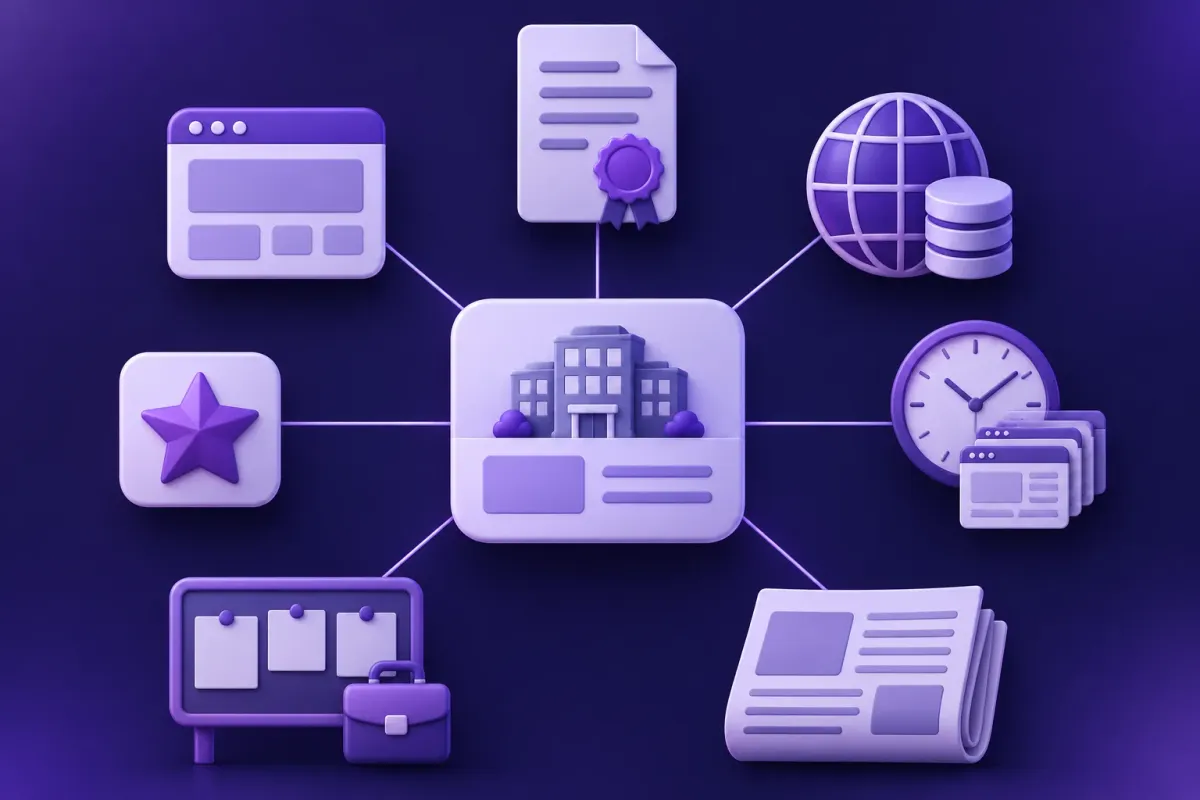
- Seven public sources and what each one tells you
- Buying signals: what to look for and what to do with it
- Score the lead before you invest more time
- Turn research into one talking point
- Keep lead research respectful and legal
- Common mistakes in lead research
- How NextCRM automates lead research
- Your Monday-morning lead research checklist
Lead research means checking public sources about a prospect's company before you contact them, so you know whether they fit, what they care about right now and what to say first. A sales team at a small or medium-sized business (SMB) can do it in 15 minutes per lead with seven public sources, five buying signals and one talking point. This guide gives you that routine, the sources to open, a way to score what you find and the limits that keep it respectful and legal.
What lead research covers (and what it leaves alone)
Lead research answers three questions about a company: is it a fit, is something changing that creates a need, and who should hear from you first. It covers the business: what it sells, how it is registered, who runs it, what it is hiring for and which tools it uses.
It leaves private lives alone. A prospect's family, home address or personal accounts tell you nothing about a business need, and digging for them creates risk without creating pipeline. Good lead research stays on the company and on the professional role of the person you plan to contact.
The payoff shows up in the first sentence of your call. "I saw you opened a second warehouse and you are hiring dispatchers" starts a different conversation than "Do you have a minute to talk about our solution?"
The 15-minute lead research routine
Use the same order every time, so the work becomes a habit and every rep, whether your team has two people or two hundred, produces comparable notes. Set a timer; if you are still searching after 15 minutes, you are collecting trivia, not signals.
- Minutes 0-3: the website. Read the home page, the "about" page, the pricing or product pages and the imprint. Write one sentence: "They sell X to Y."
- Minutes 3-6: the register. Look up the legal entity, its address, its officers and when it was founded. Confirm you have the right company, because similar names are common.
- Minutes 6-9: hiring and news. Open the careers page and run a news search on the company name. Note open roles and any announcement from the last six months.
- Minutes 9-12: the technology footprint. Check which email provider, website platform and tools the company appears to use. This shapes how you describe integrations later.
- Minutes 12-14: the contact. Review the professional profile of the person you plan to contact: role, tenure, topics they publish about.
- Minute 15: the note. Write the company in one line, the top two signals, a fit score and one talking point. Save it on the lead record, where the next person will find it.
Save the result in the place where your team already works. A research note in a private document helps once; the same note on the lead helps the rep who calls next quarter.
Seven public sources and what each one tells you
Each source answers a specific question. The table shows what to look for and the mistake to avoid with each.
| Source | What it tells you | Watch out for |
|---|---|---|
| Company website and imprint | Offer, customers served, legal name, location | Marketing language that overstates size |
| Official company register | Legal form, address, officers, filing history | Similar names, dormant entities |
| Domain and mail records | How long the domain exists, which mail provider is used | Reading too much into one technical detail |
| Web archive | How the offer and positioning changed over time | Old snapshots that no longer apply |
| News and press pages | Funding, expansion, leadership changes, awards | Dates: only the last 6-12 months count as a trigger |
| Job postings | Growth areas, new departments, tools they name | Evergreen postings that stay open for years |
| Reviews and public profiles | Customer sentiment, service problems, team size | A handful of reviews is an anecdote, not a trend |
Official registers are the most reliable row. In the United Kingdom, the government's company information service gives you registered address, date of incorporation, current and resigned officers, filed documents, charges, previous names and insolvency information at no charge, with optional email alerts when a company changes its details. Across Europe, the national business registers have been interconnected and searchable through the EU e-Justice portal since June 2017, so a supplier in another member state is a search away. Both sources were checked on 23 November 2026.
Buying signals: what to look for and what to do with it
A buying signal is a public fact that suggests a company may need what you sell soon. Signals make your outreach timely instead of generic. Treat each one as a hypothesis, not a promise.
| Signal | What it may suggest | First move |
|---|---|---|
| Hiring several people in one function | The team is under load or growing | Open with the workload problem that role carries |
| New location, funding or product announcement | Budget and change are in motion | Congratulate with a specific detail, then ask how the change affects daily work |
| Leadership change in a relevant role | New people review tools and suppliers in their first months | Reach out to the new leader with a short, relevant note |
| Technology change visible on the website or in job ads | Systems are being replaced or added | Ask what the new setup should do that the old one did not |
| Negative public reviews about service speed | Customers wait too long for answers | Position response speed, not features |
Record the date next to every signal. A hiring spree from last spring is background; one from this month is a reason to call this week.
Score the lead before you invest more time
After 15 minutes you hold enough facts to decide how much effort the lead deserves. A simple four-part score keeps that decision honest:
- Identity confidence: are you sure the register entry, website and contact belong to the same company?
- Lead quality: does the company match the customers you win and keep?
- Opportunity: does at least one dated signal point to a need now?
- Risk: does anything suggest trouble, such as an insolvency notice, a long list of unresolved complaints or a company that looks dormant?
Rate each from 0 to 100 or simply high, medium, low, but use the same scale for every lead. A high-quality company with no current signal goes into a slower nurture track. A weaker fit with three fresh signals deserves a quick call. A risky company gets a second look before anyone spends time on a quote. Teams that also track a win chance on the sales pipeline can compare the research score with how deals actually end and adjust over time.
Turn research into one talking point
Research only pays off when it changes what you say. Convert your notes into a single talking point and a first line.
- Pick the strongest dated signal.
- State it as a fact, not a flattery: what you saw and where.
- Connect it to a problem your product solves.
- End with a question the contact can answer in one sentence.
Imagine a regional logistics firm that opened a second warehouse and is hiring three dispatchers. A usable first line: "I noticed the new warehouse and the open dispatcher roles. How are you handling the extra customer requests while the team ramps up?" It names two facts, proves you did the work and asks about the problem instead of pitching.
Keep the talking point short enough to say in one breath, and keep one backup in case the first signal turns out to be stale. For follow-up after the call, a follow-up sequence lets you repeat the same fact-based approach in later messages without retyping it.
Keep lead research respectful and legal
Gathering public information about a company is normal sales work, but information about people falls under data protection rules. In Europe and the United Kingdom, businesses that process personal data for prospecting often rely on legitimate interests. The UK regulator describes it as one of seven lawful bases and explains the three-part test: a legitimate purpose, a necessity check and a balance against the person's interests and reasonable expectations.
Practical rules that follow from this (this is not legal advice; ask your own adviser for your case):
- Research the company and the professional role, never private life.
- Collect only what you need for the outreach and keep it on the lead record, not scattered in personal files.
- Respect opt-outs immediately and stop contacting anyone who asks you to.
- Do not log in to systems, scan networks or buy lists of private contact data.
- Mark unverified findings as unverified until someone has checked them against a second source.
Common mistakes in lead research
- Researching too long. Past 15 minutes the returns shrink. Stop and call.
- Collecting facts without a conclusion. A page of notes with no score and no talking point is homework, not research.
- Trusting one source. A job ad can be stale and a review can be an outlier. Two sources make a signal.
- Ignoring dates. An old announcement reads as lazy preparation.
- Mixing up companies. Always match the register entry to the website before you quote anything.
- Keeping notes off the record. If the research does not sit on the lead, nobody else can use it.
How NextCRM automates lead research
Lead Intelligence in NextCRM runs this routine for you. Open a lead and click "Run OSINT once", or tell Lora, the built-in AI sales assistant: "Research Hofmann Logistics." NextCRM checks the company website and imprint, domain records and mail provider, public company registers, the web archive and tech stack, news and job postings, public profiles and reviews, and public code repositories.
You get a summary, four scores (identity confidence, lead quality, opportunity and risk), buying signals, risk indicators, talking points and a map of the company's web presence. Every finding links back to its source, so you can check it before you use it.
Three design choices matter for trust:
- Company, not private life. Lead Intelligence researches the company in public sources. It does not look into private lives, use leaked data, log in anywhere, scan systems or buy contacts from data brokers.
- You approve changes. Suggested updates to the lead, such as company name, job title, phone or address, are applied only when you choose "Add data to profile". Lora treats findings as unverified until your team approves them.
- Results stay with the lead. Research is saved to the lead's history in your workspace, so the next rep starts with your notes. NextCRM is hosted in Germany; the security page explains how workspaces are protected.
Lead Intelligence is included in every plan, with monthly runs, and more runs are available through an add-on. See pricing for plans from $29 per month. Leads that arrive through your own web forms can be researched the same way as soon as they land in your pipeline.
Your Monday-morning lead research checklist
- List the five leads you will contact this week.
- For each lead, run the 15-minute routine or start the research in NextCRM.
- Record the company in one line, two dated signals and one score.
- Write the talking point and one backup.
- Order the leads by score and signal freshness; call the top three first.
- Mark anything unverified, and check it against a second source before you quote it.
- Save everything on the lead record so your colleagues can reuse it.
Do this every week and the research becomes a routine, the scores become comparable and your first sentence stops sounding like everyone else's.
Frequently asked questions
What is lead research?
Lead research is checking public sources about a prospect's company before you contact them. You confirm the company is a fit, look for recent buying signals and prepare a talking point, so the first conversation starts from facts instead of a generic pitch.
How long should lead research take per lead?
About 15 minutes for a first call: three minutes on the website, three on the company register, three on hiring and news, three on the technology footprint, two on the contact and one to write the note. If you are still searching after 15 minutes, stop and call.
Which public sources are best for researching a company?
Start with the company website and imprint, then an official company register, news and press pages, job postings, domain and mail records, the web archive, and public reviews or profiles. Official registers are the most reliable because they list legal form, address and officers.
What is a buying signal?
A buying signal is a dated public fact that suggests a company may need what you sell soon, such as hiring several people in one function, opening a new location, a leadership change or a visible technology change. Treat it as a hypothesis and confirm it on the call.
Is lead research legal under GDPR?
Researching a company from public sources is normal sales work. When you process information about people, you need a lawful basis, and many businesses rely on legitimate interests, which requires a purpose, a necessity check and a balance against the person's interests. This is not legal advice; ask your own adviser.
Can NextCRM research a lead automatically?
Yes. Lead Intelligence in NextCRM researches the lead's company in public sources with one click or one sentence to Lora. It returns a summary, four scores, buying signals, risk indicators and talking points, and every finding links to its source.
Sources
- Get information about a company (GOV.UK) (accessed November 23, 2026)
- Business registers: search for a company in the EU (European e-Justice Portal) (accessed November 23, 2026)
- What is the legitimate interests basis? (ICO) (accessed November 23, 2026)